Optimizing Flutter app performance is crucial for delivering a smooth, responsive, and efficient user experience. In this comprehensive guide, we’ll explore techniques and best practices to reduce UI jank, memory usage, and improve app startup time. Whether you're building a simple app or a complex one, mastering performance optimization is key to retaining users and achieving high app store ratings.
Understanding Performance in Flutter Applications
Before diving into optimization strategies, it’s important to understand what performance means in the context of Flutter development. Performance issues can arise from:
- Excessive widget rebuilds
- Inefficient layouts and rendering
- Unoptimized images and assets
- Improper state management
- Heavy operations on the UI thread
Flutter’s performance depends on how efficiently widgets are built and rendered. Avoiding unnecessary computations and keeping widget trees lean are critical to high frame rates.
Flutter Performance Basics: Efficient UI and State
Improving performance isn’t just about reducing CPU usage—it’s about structuring your app to minimize work during each frame. By avoiding costly operations in build methods and leveraging Flutter’s reactive nature properly, you can build highly performant apps.
Key Concepts in Flutter Performance
- Rebuilds: Minimize widget rebuilds by using const constructors and StatelessWidgets when possible
- BuildContext: Be careful with how and where you call context-dependent operations
- ListView.builder: Use lazily built lists for large datasets
- Image Caching: Use AssetImage or cached_network_image to avoid redundant loading
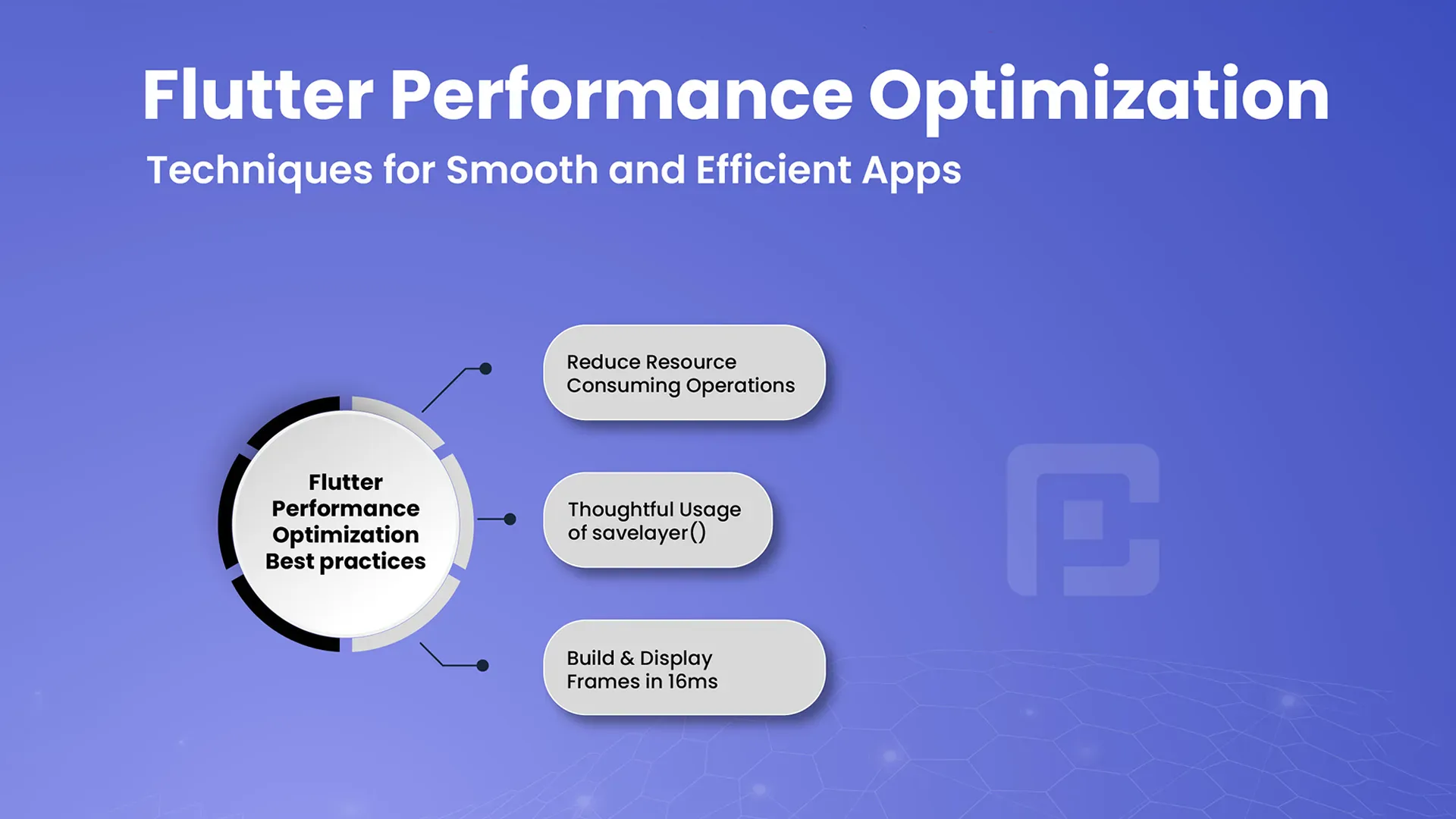
- Frame Budget: Target 16ms per frame for smooth 60fps rendering
A typical optimization flow involves identifying bottlenecks, measuring performance, and applying appropriate fixes using tools like DevTools and Flutter Inspector.
Simple Performance Optimization in Flutter
Here’s a simple example where we move an expensive operation off the main thread using compute() to prevent frame drops during heavy computation:
Heavy Operation Example:
Future loadData(BuildContext context) async {
        final result = await compute(expensiveCalculation, inputData);
        setState(() {
          processedData = result;
        });
      }

      int expensiveCalculation(List data) {
        return data.fold(0, (prev, element) => prev + element);
      }
Why This Matters
By offloading heavy tasks using isolates, we prevent UI stutters and ensure the app remains responsive. This is a fundamental aspect of performance optimization in Flutter.
Advantages of Performance Optimization
- Reduced Jank and Lag
- Faster Load Times
- Improved Battery Efficiency
- Higher App Ratings and Retention
Provider: Lightweight State Management for Performance
Provider helps manage state efficiently by preventing unnecessary rebuilds. It allows you to localize widget updates and keep your widget tree performant.
Key Concepts in Provider for Performance
- ChangeNotifier: Lightweight state model to notify only dependent widgets
- ChangeNotifierProvider: Supplies shared state efficiently
- Consumer: Rebuilds only the widgets that need to update
Optimized State Updates with Provider
Here’s an example where Provider is used to update a counter without rebuilding the whole widget tree:
class CounterModel extends ChangeNotifier {
        int _count = 0;
        int get count => _count;

        void increment() {
          _count++;
          notifyListeners();
        }
      }

      // Inside widget tree
      ChangeNotifierProvider(
        create: (_) => CounterModel(),
        child: Consumer<CounterModel>(
          builder: (_, model, __) => Text('Count: ${model.count}'),
        ),
      )
Advantages
- Efficient Widget Rebuilds
- Simple Integration
- Scales Well for Small to Mid-sized Apps
Riverpod: Scalable Performance Management
Riverpod improves upon Provider with better modularity and testability. It's perfect for apps that need scalable and reactive performance tuning.
Key Riverpod Concepts
- Provider: Stateless and easily testable
- ConsumerWidget: Efficient rebuilds based on observed providers
- StateNotifier: Manages advanced state logic
Riverpod Example for Optimized State Management
class CounterState {
        final int value;
        CounterState(this.value);
      }

      class CounterNotifier extends StateNotifier<CounterState> {
        CounterNotifier() : super(CounterState(0));

        void increment() {
          state = CounterState(state.value + 1);
        }
      }

      final counterProvider = StateNotifierProvider<CounterNotifier, CounterState>(
        (ref) => CounterNotifier(),
      );

      class CounterView extends ConsumerWidget {
        @override
        Widget build(BuildContext context, WidgetRef ref) {
          final counter = ref.watch(counterProvider);
          return Text('Count: ${counter.value}');
        }
      }
Advantages of Riverpod for Performance
- Compile-Time Safety
- Minimal Boilerplate
- Easy Testing and Debugging
- No Context Dependencies
Comparing Flutter State Management for Performance
Each Flutter state management method has its own advantages for performance optimization:
| Feature | Provider | Riverpod | Bloc |
|---|---|---|---|
| Boilerplate | Low | Low | Moderate |
| Performance | Good | Excellent | Excellent |
| Scalability | Moderate | High | Very High |
| Learning Curve | Low | Moderate | High |
Best Practices for Optimizing Flutter App Performance
High performance is critical for creating responsive, smooth, and efficient Flutter applications. Poorly optimized apps can result in lag, slow loading times, and a poor user experience. Follow these best practices to ensure your Flutter app runs at peak performance:
1. Minimize Widget Rebuilds
Structure your widget tree to avoid unnecessary rebuilds. Use const constructors where possible
and split large widgets into smaller, reusable components. Tools like flutter_devtools
can help identify which widgets are rebuilding more than necessary.
2. Use Lazy Loading Techniques
For large lists or images, use widgets like ListView.builder, GridView.builder,
and CachedNetworkImage to load content only when needed. This reduces memory usage
and improves scrolling performance.
3. Optimize State Management
Choose an efficient state management solution (e.g., Provider, Riverpod, Bloc)
and scope your state updates narrowly. Avoid rebuilding the entire widget tree when only part of the UI needs to update.
4. Avoid Layout Thrashing
Reduce deep widget nesting and excessive layout passes by simplifying your widget hierarchy. Use tools like the Flutter Inspector to analyze layout structure and resolve performance warnings.
5. Use Asynchronous Operations Wisely
Perform heavy tasks like data fetching, file I/O, or database queries in background isolates or using
Future and async/await. Avoid blocking the main thread, which can cause UI freezes.
6. Profile and Monitor Performance
Use flutter run --profile and Flutter DevTools to analyze app startup time, frame rendering time,
memory usage, and more. Identify janky frames and track down performance issues using the timeline and performance overlays.
7. Reduce App Size
Minimize your app’s download size by removing unused assets and dependencies.
Use the flutter build apk --analyze-size command to inspect size contributions and optimize accordingly.
8. Leverage Platform-Specific Optimization
Use platform channels only when necessary and cache results if repeated. On Android and iOS, use native views sparingly as they can impact performance. Prefer Flutter-native implementations where possible.
Conclusion: Building High-Performance Flutter Apps
Optimizing performance is essential to deliver a responsive and enjoyable user experience. Whether it’s minimizing rebuilds, improving state management, or profiling your app for bottlenecks, each optimization step contributes to smoother and faster applications.
By following these best practices, you can ensure that your Flutter apps not only look great but also perform exceptionally well across different devices and platforms.
Stay proactive by continuously profiling your app, keeping dependencies up to date, and applying performance techniques as your app scales in complexity and features.